Products · Featured
Heytora, the AI assistant that sees your screen.
Hold Ctrl + Win in any window and ask out loud. Heytora answers, points at what to click, or does it for you, so you never have to leave the screen.
Coming soon for Windows 11
Heytora · What it does
One shortcut. Five ways to help.
Hold Ctrl + Win over whatever is in front of you and say what you need. No tab to switch to, no context to paste.
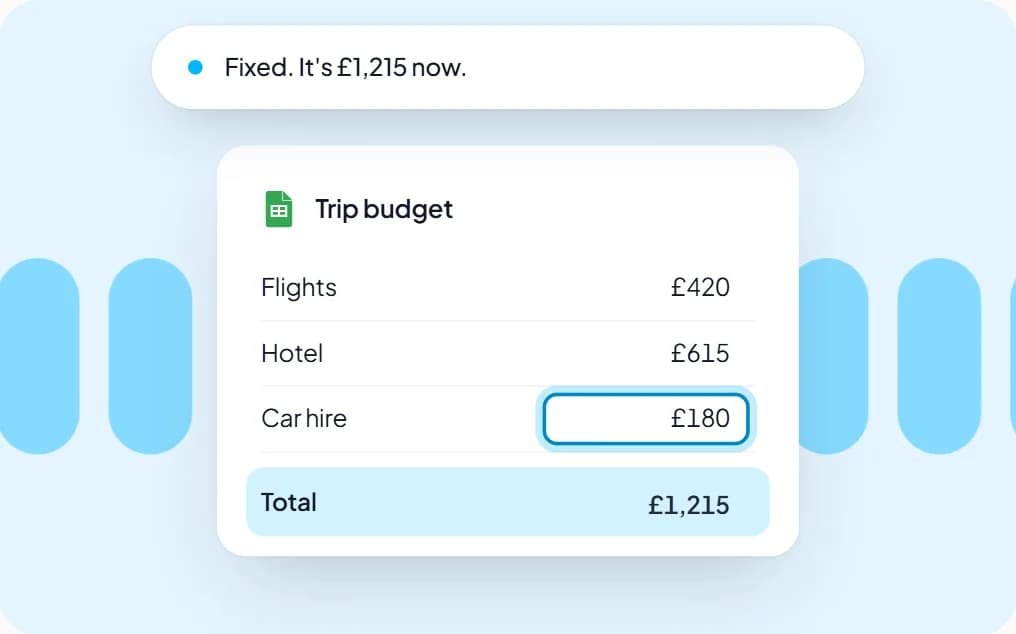
Ask
Ask about anything in front of you.
It reads the window in front of you, a document you drop in, or the web with sources, and answers out loud.
For example: “Why won't this total add up?”
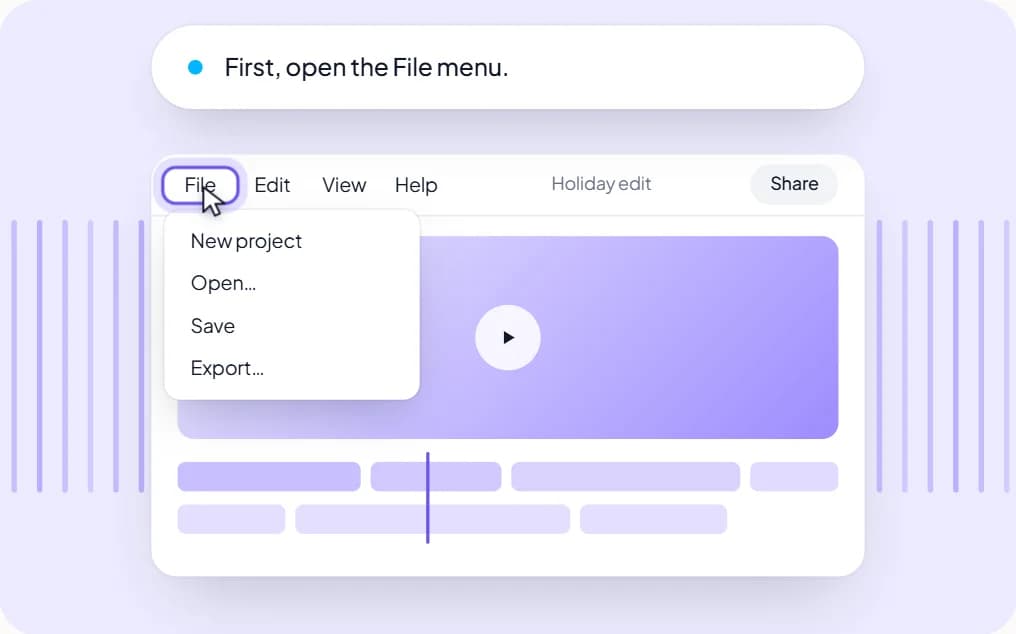
Show me
Shown the way, one step at a time.
It points at each control by its real name and moves on when you click. CapCut, Figma and Photoshop too.
For example: “How do I export this?”
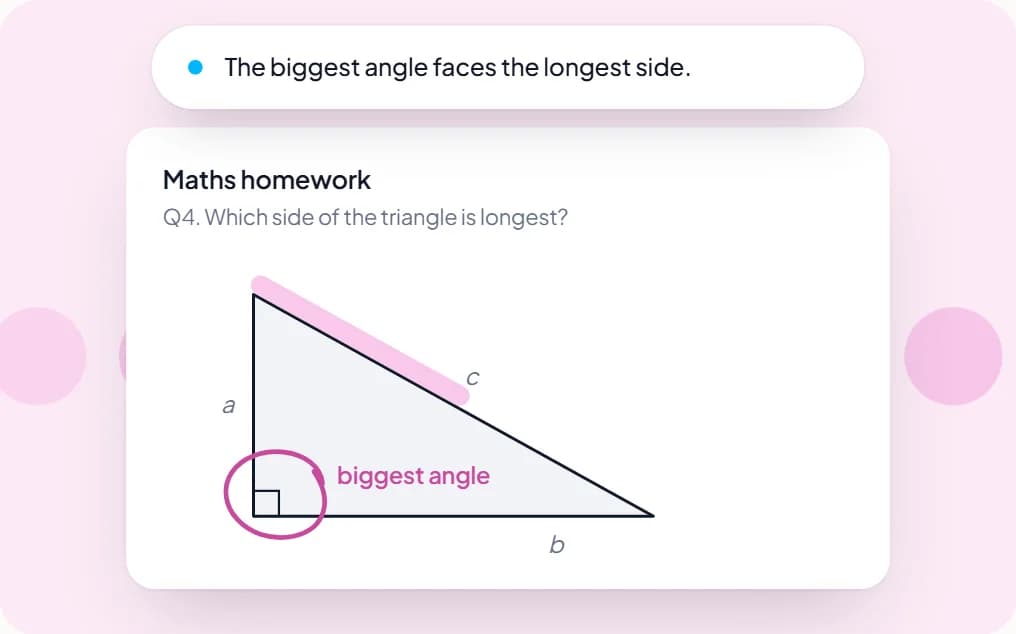
Teach me
It draws while it explains.
Arrows, circles and labels land on your screen as it talks. It keeps a journal on your PC and quizzes you later.
For example: “Why is c always the longest side?”
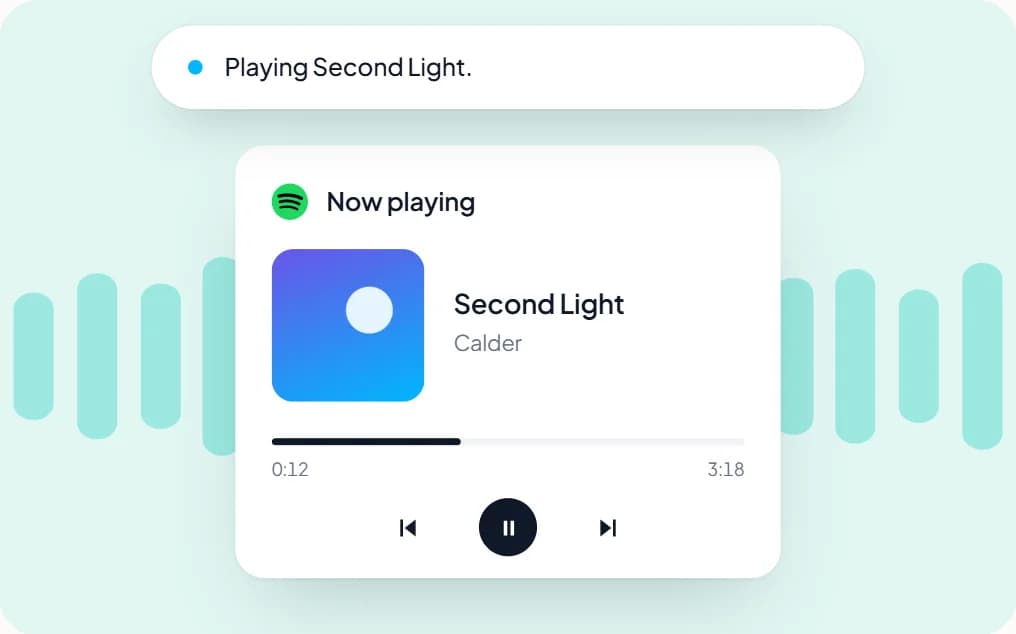
Do it
Say it, and it's done.
It works through each app's own controls, so your screen doesn't jump around, and it asks before it acts.
For example: “Open Bluetooth settings.”
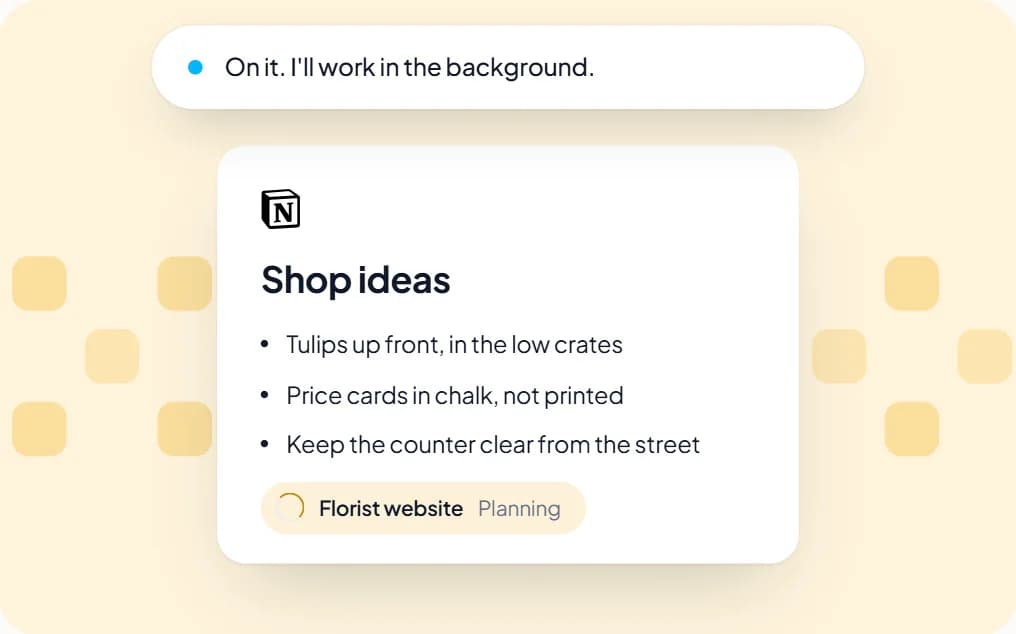
Build it
Hand it a project. Keep working.
Agents plan it, write it, test it and check their own work in the background. Ask how it's going, out loud.
For example: “Build me a website for a florist.”
Works in the apps you already use.

Any window, any app
It knows the app, the window and every named button without sending a picture.
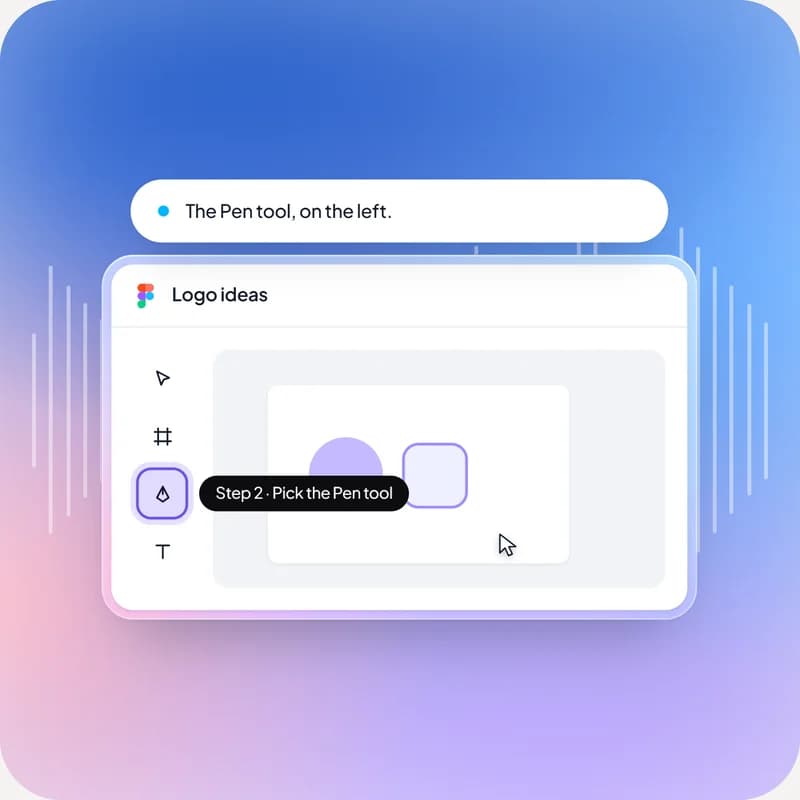
Canvas apps too
CapCut, Figma and Photoshop have no buttons to name, so it reads the canvas instead.
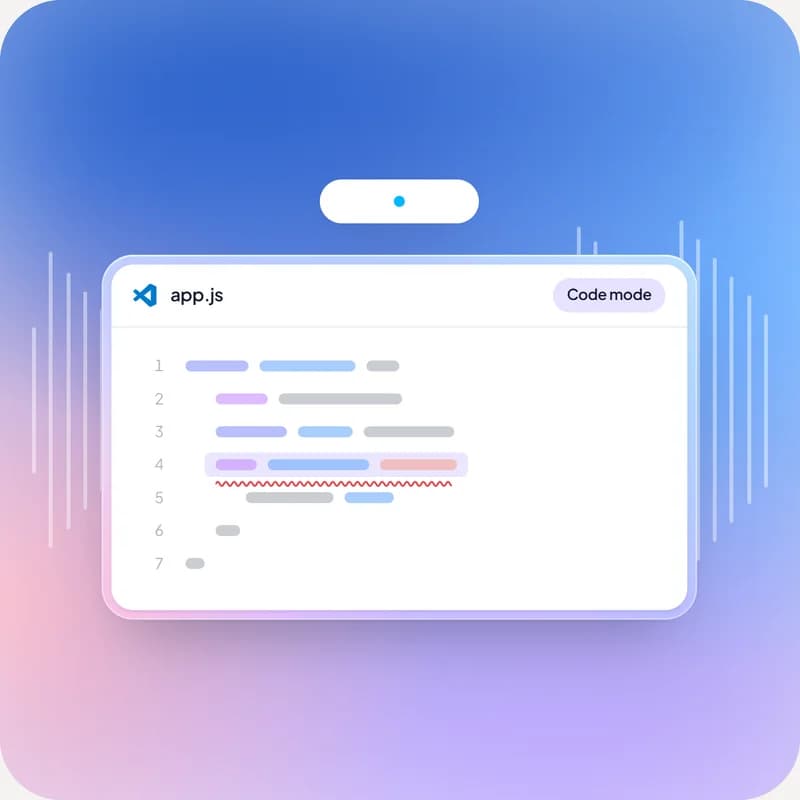
Code mode
In VS Code, Cursor, JetBrains and other editors it switches to a coding tutor.
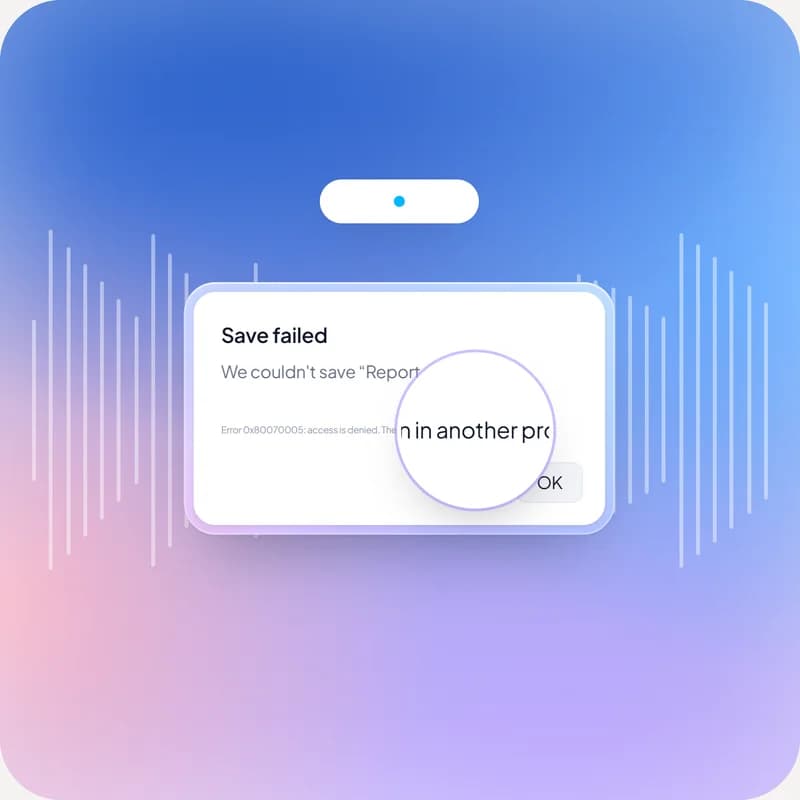
Reads the fine print
Tiny error messages, cells and code are read on your PC.
Heytora · Safety
You stay in charge.
Heytora can act on your PC, so it's built to ask first.
It asks before it acts
A confirm box comes up before any action. Click it, or just say “yes”.
The big ones are typed
Anything that pays, files, sends, posts or deletes always asks, and the riskiest steps have to be typed.
Agents stay in their folder
Background agents work only inside one workspace folder, with limits on risk, time and how many run.
Stop it any time
Esc cuts an answer short. Say “stop” and an agent halts.

We look when you ask. Not before.
Heytora has no view of your screen until you hold the key. Then it reads the window in front of you and sends it, with what you said, to Google's Gemini for the answer. The journal of what you asked stays on your own PC.
How Heytora handles your data(opens in a new tab)More from Agentora
For the shop floor and the sales team.
Hosted and looked after by us, and billed monthly in Rands.
POSPoint of sale
A till that fits your floor.
Fast, offline-tolerant point of sale for restaurants and retailers. Every sale updates your stock automatically, so the till and the storeroom always agree.
What POS does
- Table maps and split bills
- Kitchen tickets, sent to the right station
- Barcode checkout for retail
- Cash-up reports at close
- Keeps selling when the connection drops
- Talks to your stock system
Made for
- Restaurants
- Cafés
- Retailers
Hosted and looked after by us · billed monthly in Rands
Lead GenerationWhatsApp lead engine
Every WhatsApp enquiry answered, day or night.
An AI agent on your WhatsApp number that replies to new enquiries straight away, asks the questions a good salesperson would, and hands the promising ones to your team.
What Lead Generation does
- Replies to every enquiry, nights and weekends included
- Asks your qualifying questions, like budget and timing
- Scores each lead, with the reason written down
- Hands the chat to the right person, with a short brief
- Follows up with leads who go quiet
- Answers only from your own prices and information
Made for
- Estate agents
- Motor dealers
- Solar & home services
- Clinics
Works in WhatsApp, where your customers already are · billed monthly in Rands
Next step
Need something we don't make? We'll build it.
Our products cover jobs many businesses share. When yours needs something specific, we build it to fit, at a fixed price in Rands.